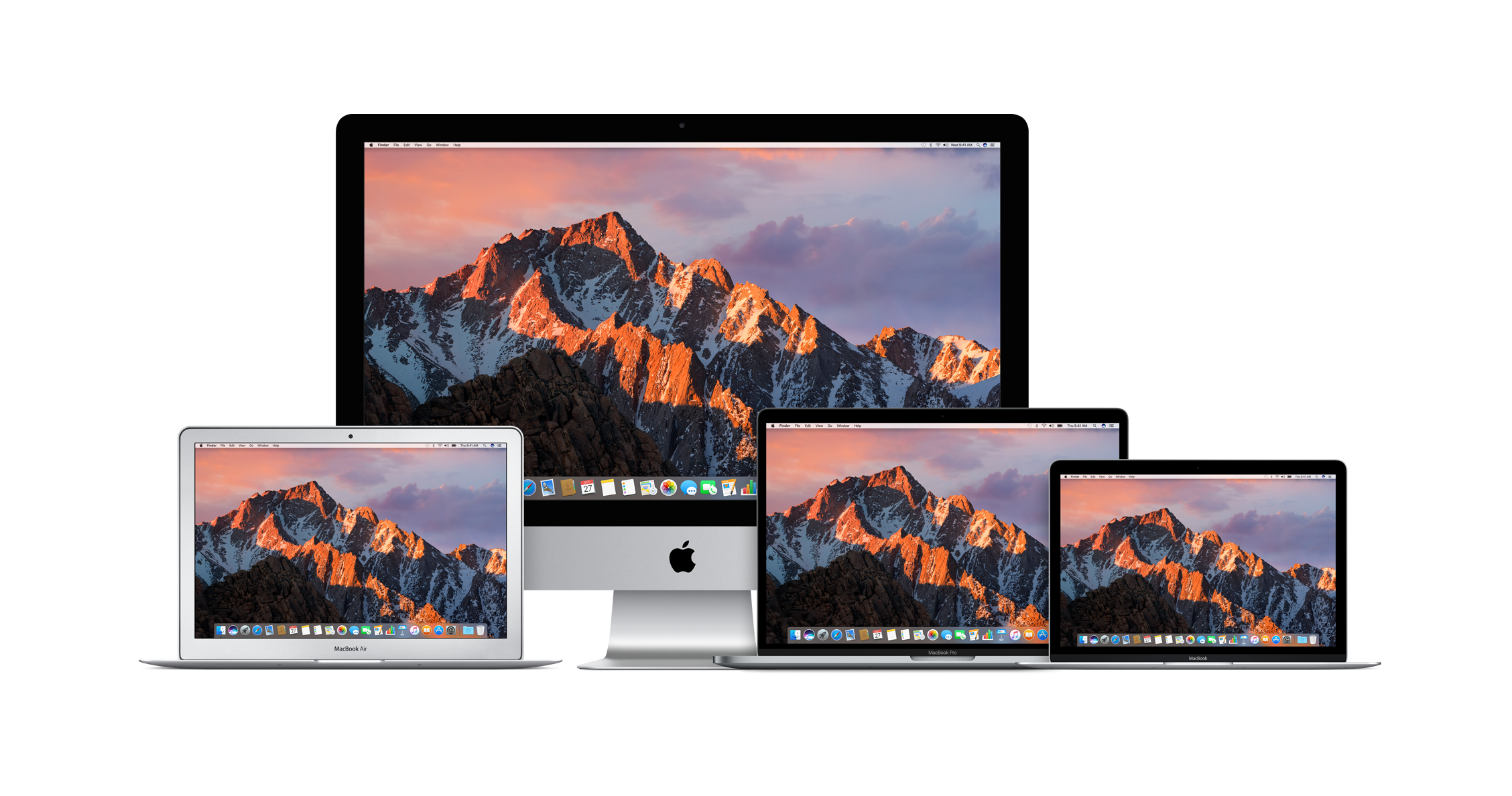
Honestly, walking into an Apple Store or clicking through their site can feel like a fever dream of sleek aluminum and price tags that make your eyes water. If you’re a student, a teacher, or a parent just trying to get your kid through a semester of computer science without going broke, the "Education Store" is the holy grail. But how much apple education discount are we really talking about? Is it a token five bucks or a massive chunk of change?
Let's cut through the marketing fluff.
The discount isn't a flat percentage across the board. Apple doesn't just slap a "10% off everything" sticker on the door and call it a day. Instead, they pick and choose. You’ll see significant drops on Macs and iPads, but if you’re looking for a cheaper iPhone 17 Pro, you’re basically out of luck. Apple famously keeps the iPhone out of the education pricing party.
The Core Math: MacBook and iPad Savings
For most people, the big question is the laptop. In 2026, the MacBook Air—specifically the 13-inch model with the M4 chip—starts at $899 for students. Compare that to the standard retail price of $999, and you’ve basically just saved a hundred bucks. It’s not going to buy you a car, but it covers a semester of coffee or a decent pair of headphones.
The 14-inch MacBook Pro with the M5 chip tells a similar story. You’re looking at a starting price of $1,499 for education buyers, which is a $100 to $200 discount depending on the exact configuration and current retail shifts.
iPads are a bit more varied:
- iPad Pro: Usually starts around $899 (saving you about $100).
- iPad Air: Starts at $549 (roughly a $50 discount).
- iPad (Standard): Usually sits at $329 (a modest $20-$30 off).
- iPad mini: Starts at $449.
It’s worth noting that while these prices are "standard" for the Education Store, the real magic happens during the Back to School window. In the US and Canada, this typically runs from mid-June through late September. In 2026, we're seeing the same pattern: Apple isn't just cutting the price; they're throwing in "free" stuff. Well, "free" with a purchase. In recent years, that’s meant a gift card or accessories like the Apple Pencil Pro or AirPods 4. If you buy a MacBook Pro, getting a $150 gift card on top of the $200 price cut makes the total value proposition much higher.
Who Actually Qualifies?
It’s not just for 19-year-olds living in dorms. The eligibility is wider than you might think.
First, there’s the obvious: Higher Education Students. If you’re enrolled in a college or university, or even if you just got your acceptance letter, you’re in. Then there’s Parents. If you are buying a Mac for your college-bound kid, you can use the discount.
But here’s the one people often forget: Teachers and Staff. This isn’t just for professors at Ivy League schools. If you work at any K-12 school—public or private—you qualify. That includes faculty, staff, and even some school board members or PTA executives. Basically, if you’re on the front lines of education, Apple usually lets you through the velvet rope.
Verification is a bit of a mixed bag. Sometimes Apple uses UNiDAYS to check your status instantly. Other times, especially in physical stores, they might just ask to see a school ID or an official email. Occasionally, online orders go through on a sort of "honor system," but don't be fooled—they do audits, and if they catch you faking it, they can charge your card for the difference.
The "Hidden" Discounts and the Fine Print
There are a few things people consistently miss. For one, AppleCare+ is almost always discounted by about 10% for education buyers. Since Mac repair costs are legendary for being expensive, that 10% saving can be a lifesaver.
Then there’s the Pro Apps Bundle. For $199, students can get Final Cut Pro, Logic Pro, and a few other high-end creative tools. Separately, these would cost you well over $600. If you’re a film or music student, this is arguably a bigger win than the discount on the laptop itself.
Comparison Table: 2026 Estimated Savings
| Device | Retail Price | Education Price | Total Savings |
|---|---|---|---|
| MacBook Air 13" (M4) | $999 | $899 | $100 |
| MacBook Pro 14" (M5) | $1,599 | $1,499 | $100 |
| iPad Pro 11" | $999 | $899 | $100 |
| iMac | $1,299 | $1,249 | $50 |
| Mac mini | $599 | $499 | $100 |
Note: These prices fluctuate based on storage upgrades and seasonal promotions.
Why the Apple Education Store Isn't Always the Best
I know, it sounds like heresy. But sometimes the Education Store is actually more expensive than other retailers.
Places like Amazon, B&H Photo, and Best Buy often run sales that undercut Apple’s student pricing. For example, while Apple might keep the MacBook Air at $899 for students year-round, Amazon might have a "Deal of the Day" that drops it to $849 for everyone.
Always check the Certified Refurbished section on Apple’s main site too. These units are basically brand new, come with the same warranty, and the discounts are often deeper—sometimes 15% to 20% off. You can't usually stack an education discount on a refurbished item, but the refurbished price is often lower anyway.
Taking Action
If you’re ready to pull the trigger, here’s how to handle it:
- Verify early. Head to the Apple Education Store and see if you need to log in via UNiDAYS. Do this before you have a cart full of stuff.
- Check the calendar. If it’s May, wait. The Back to School promo usually starts in June. Waiting 30 days could net you a free pair of AirPods or a $150 gift card.
- Compare third parties. Keep an eye on AppleInsider or MacRumors price guides. If Amazon has the same MacBook for $50 less than the Education Store, buy it there. A dollar is a dollar.
- Bundle the software. If you’re a creator, buy the Pro Apps Bundle at the same time you buy the hardware. It's the best value-for-money deal Apple offers, period.
The bottom line? You’re looking at a $50 to $200 discount on hardware, plus potential bonuses during the summer. It’s not a fire sale, but for a brand that rarely discounts its own gear, it's the most reliable way to save money on a new setup. Reach out to your school's IT department as well—sometimes they have specific institutional links that offer even deeper cuts than the public Education Store.
Gather your student ID, check the current "Back to School" status in your region, and make sure to price-match against major retailers before you click buy. It’s your money; keep as much of it as you can.